A free interactive map for your classroom
A living atlas of the real world. Explore it free today, and step into whiteboard mode, class pairing, and review quizzes as they ship.
Everything you need to teach with, live now
A fast, beautiful interactive map
Available nowPan, zoom, and explore the real world on the projector, the smartboard, or every student device.
Open-data layers for any lesson
Available nowSwitch on terrain, satellite imagery, nature, and more - curated, commercially-clean data that maps to your curriculum.
Intelligent search that drives the map
Available nowType a question in plain language and watch the map move, surface the right layers, and answer - so you teach, not fiddle with tools.
Share the exact view
Available nowSend students a link and the map opens right where you left it - perfect for an assignment or a warm-up.
Modes built for how a class actually runs
In early access. Join the educator program to help shape them.
Turn the map into your teaching surface
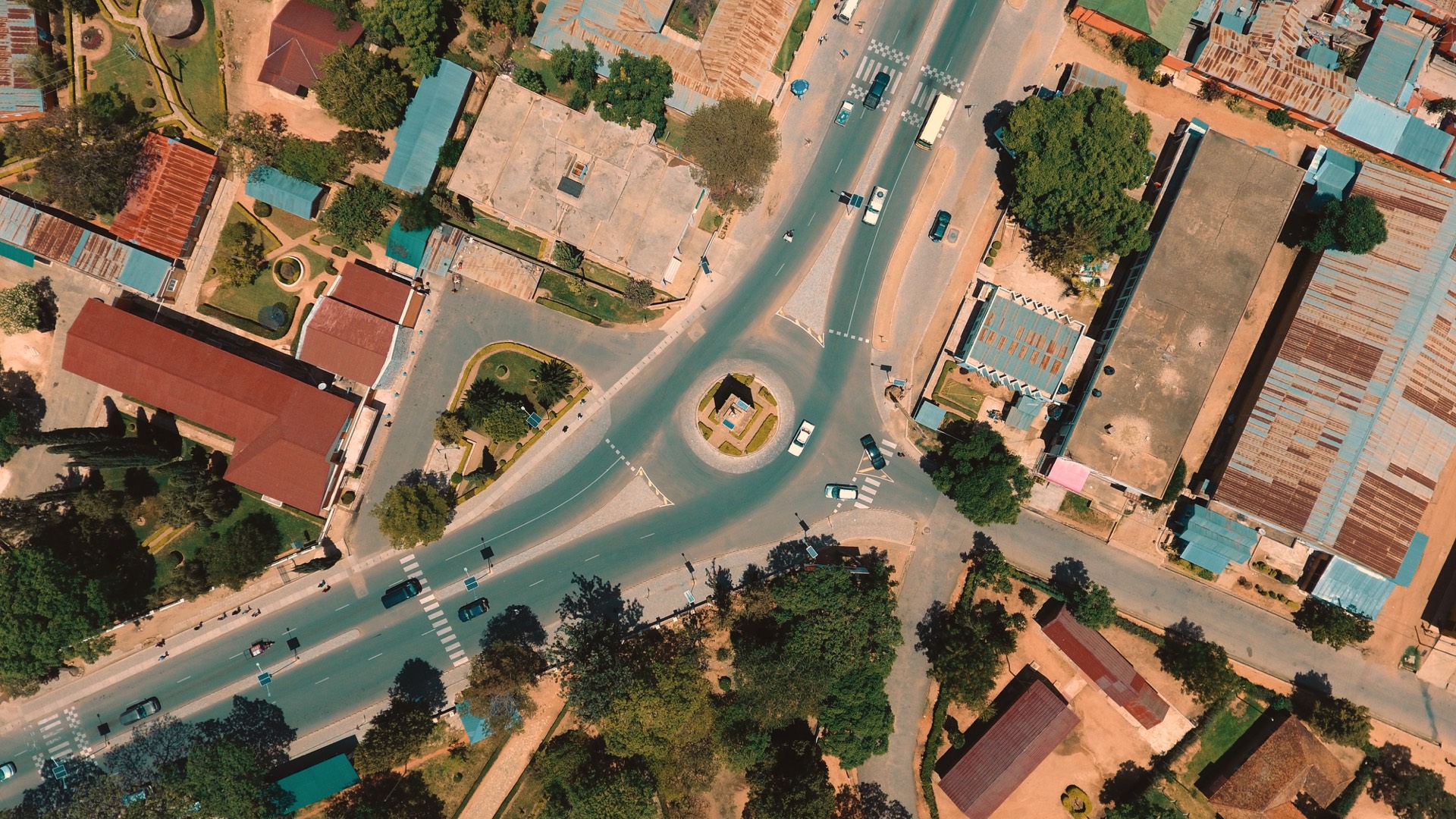
Early accessA full-screen, large-format map built for the interactive whiteboard and the projector, so the whole room follows the same living map.
- Big, legible, touch-friendly display
- Layers and search a tap away mid-lesson
- Built for the front-of-class screen
Keep the whole class on the same map
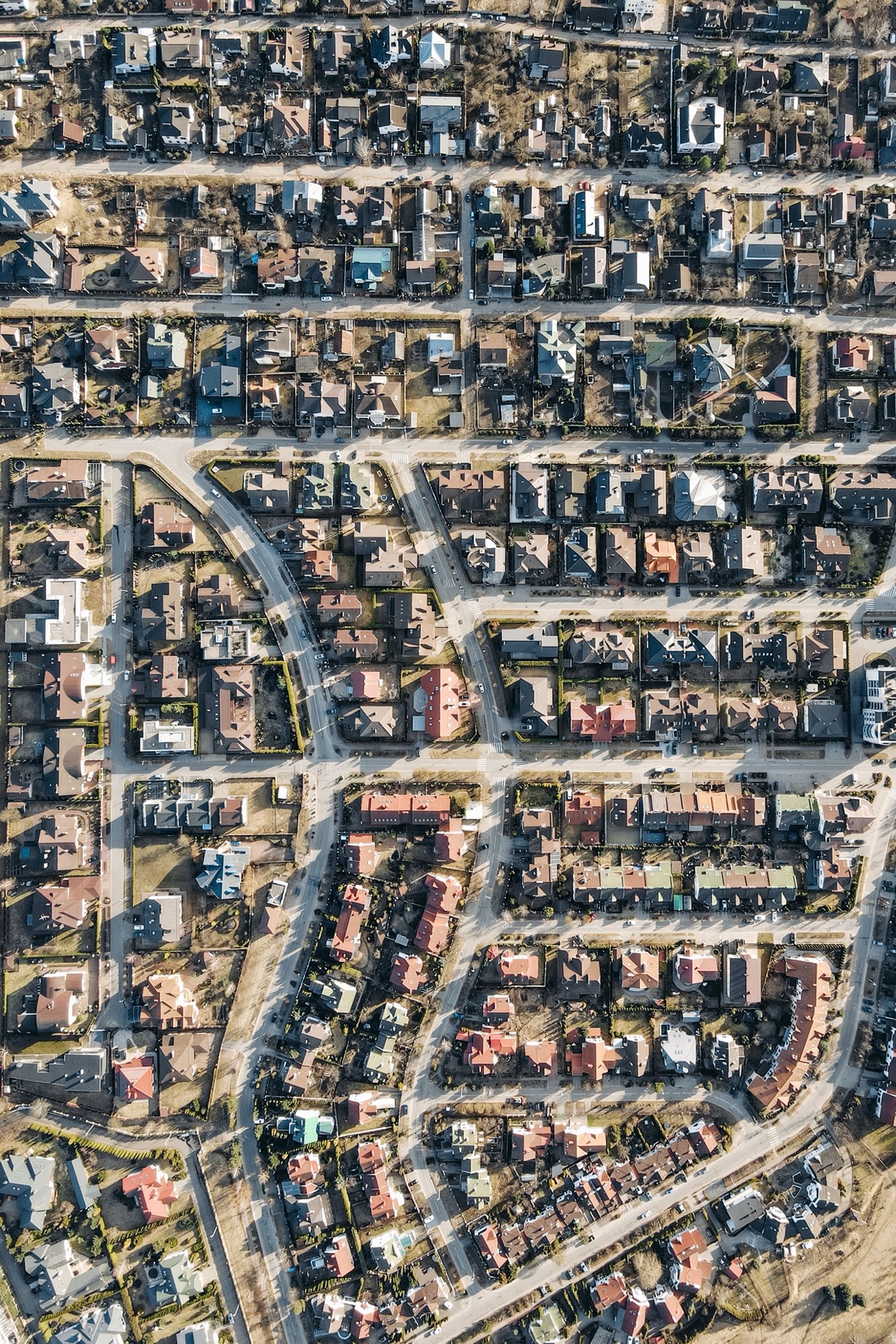
Early accessStudents pair to your session and see your layers and the area you are viewing - or free-explore on their own devices. Lock them to specific layers, views, or basemaps for a focused activity.
- Students follow your layers and view
- Free-explore or teacher-locked, your call
- Lock views, layers, or the basemap
Run a map-based review game
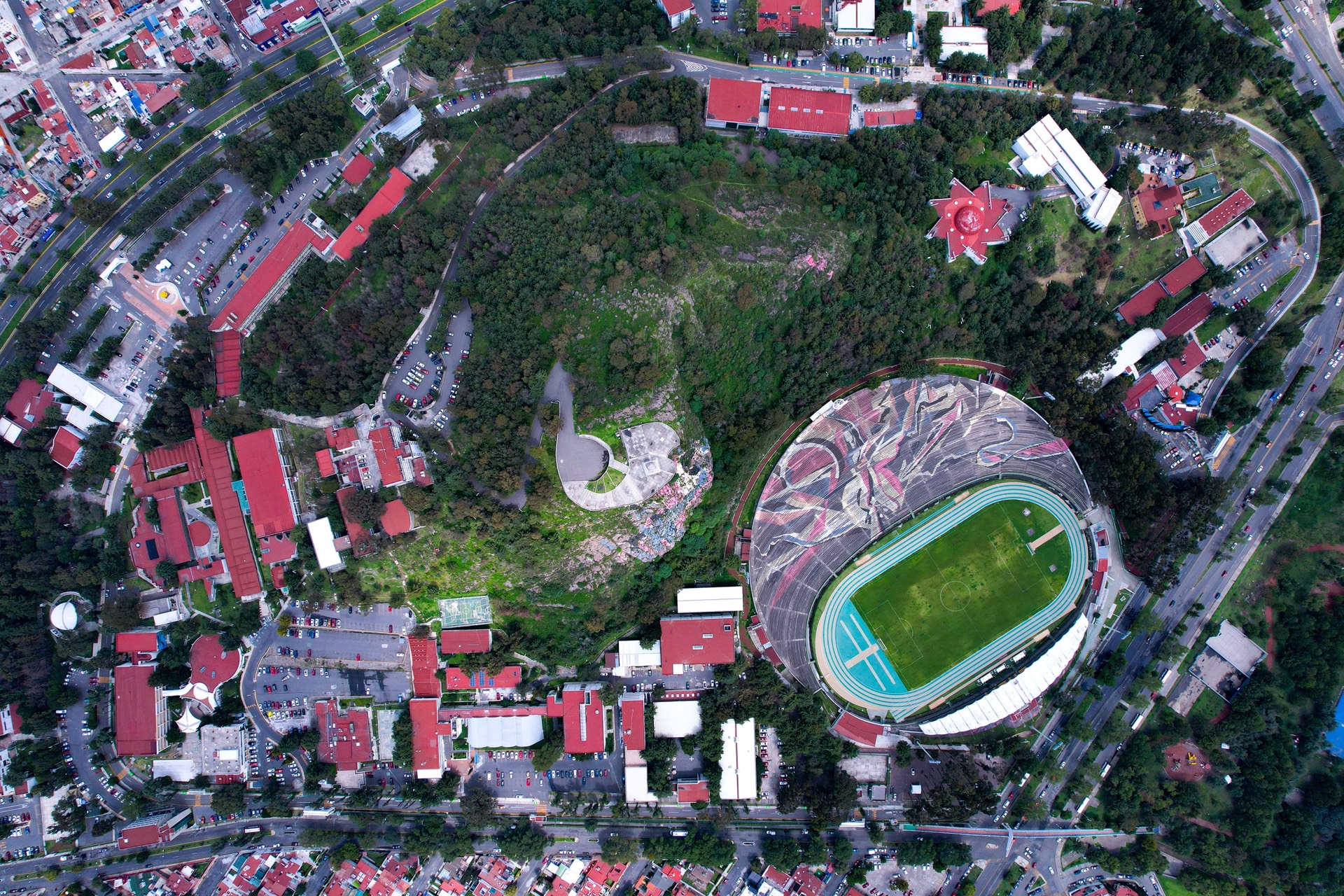
Early accessKahoot-style questions on the map that the class answers together - a fast, engaging way to review a unit and see who has it.
- Quick, map-anchored questions
- The whole class plays together
- A lively way to check understanding
From open tab to a class activity
Open the map, free
Available nowGo to the app and start exploring - no account, no cost. Project it or share the link with your class.
Turn on the layers your lesson needs
Available nowAdd terrain, imagery, or nature layers, and use the intelligent search to jump anywhere and surface the right data.
Join the educator program for classroom modes
Early accessVerify as a teacher for free access, and get early access to whiteboard mode, class pairing, lock, and review quizzes as we onboard classrooms.
Credible, hands-on, and built for engagement
Free for verified teachers
Educator programClassroom features are free once you verify as an educator, so cost is never the reason to skip a great map.
Credible, sourced data
Available nowEvery layer shows where it came from, so the map you teach with is one you can defend.
Made for the front-of-class screen
Early accessA big, legible, touch-friendly map for your whiteboard and projector.
A whole class, together
Early accessPair students to your session so everyone follows the same layers and view.
Focus when you need it
Early accessLock students to specific layers, views, or basemaps for a guided activity.
Review that feels like a game
Early accessKahoot-style map quizzes turn a unit review into something students want to play.
What a Cartian map looks like
Common questions from teachers
Is Cartian free for teachers?
Opening and exploring the map is free for everyone, no login required. Verified teachers get free access to the classroom features - whiteboard mode, class pairing, and review quizzes - as they ship.
What can I use in my classroom right now?
Project the live map, turn open-data layers on and off (terrain, imagery, nature, and more), use the intelligent search to move the map and surface the right layers, and share a link to any view with your students.
Do students need an account or a login to use the map?
No. Students can open the map and free-explore without signing up. The classroom modes where students pair to your session and follow your layers are in early access.
What is whiteboard mode and when can I use it?
Whiteboard mode turns the map into a full-screen teaching surface for your whiteboard or projector. It is in early access; request it through the educator program.
Can I keep the whole class on the same map view?
That is class pairing: students pair to your session and follow your layers and view, or free-explore, and you can lock them to specific layers or views for a focused activity. Pairing and lock are in early access, not yet live.
Can I run a review game or quiz on the map?
Kahoot-style review quizzes - map-based questions the class answers together - are an early-access classroom mode. Join the educator program to try them first.
Is the map data credible enough to teach with?
Yes. Every layer shows its source, so a map you put in front of students is one you can stand behind. Cited-map exports for lessons and handouts are rolling out in early access.
Cartian for every kind of work
Cartian for museums
Turn a big screen or kiosk into an explorable, hands-on map of your collection and its world.
Cartian for creators
Shareable, embeddable interactive maps for your videos, blogs, and group chats.
Cartian for newsrooms
Cited maps with visible provenance - every layer sourced, every view reproducible.
Cartian for conservation
Credible, citable maps of the living world, built on commercially-clean open data.
Bring a living map into your classroom
Open the free interactive map now, or join the educator program for whiteboard mode, class pairing, and review quizzes.
The interactive map is free to open, no login required. Whiteboard mode, class pairing, lock, and review quizzes are in early access.